PERSONAL BANKING
Become an APS Customer
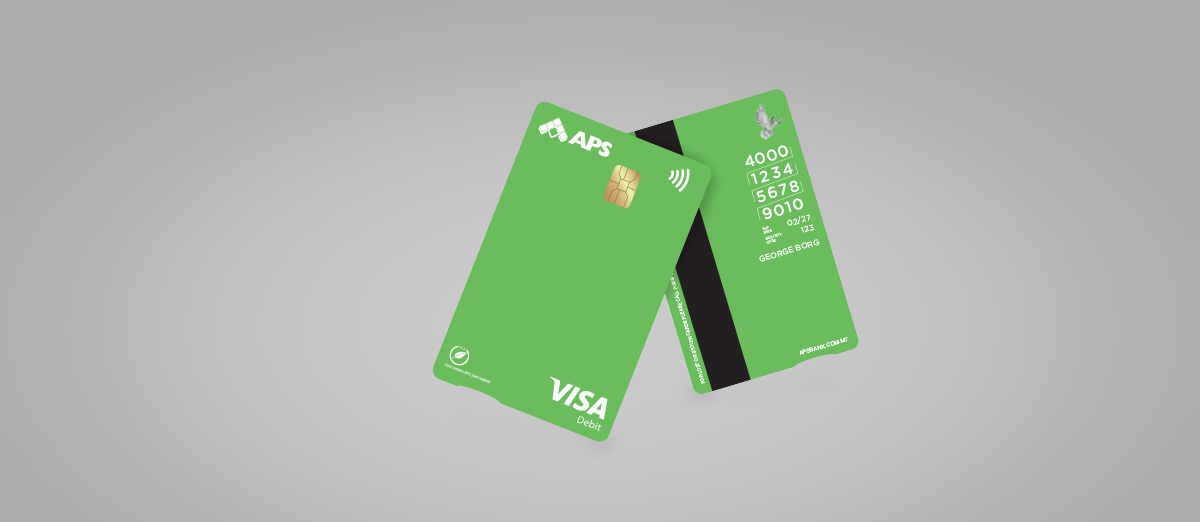
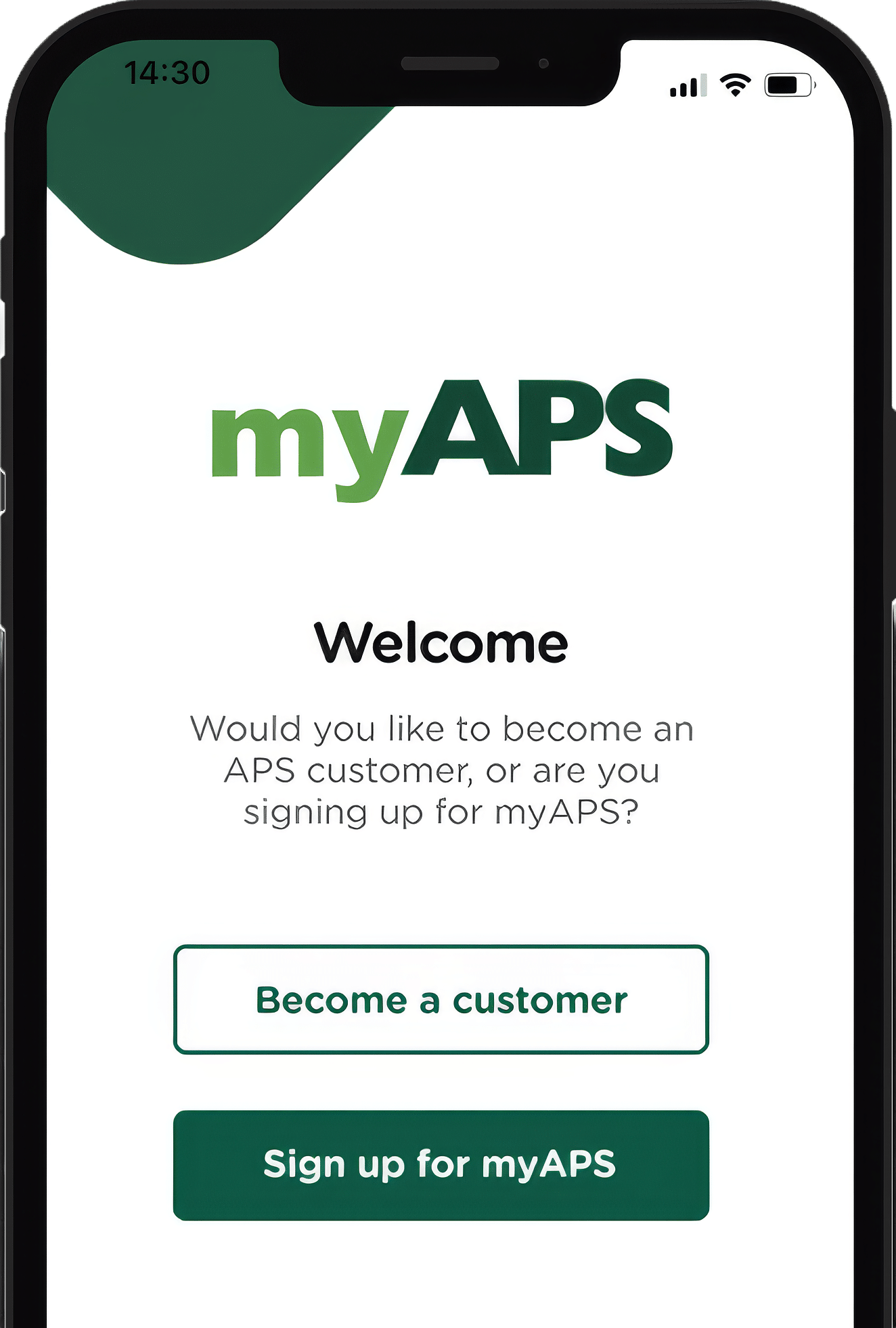
Apply to become an APS customer through the myAPS app anytime, anywhere, without visiting a branch. If you prefer face-to-face support, you can make an appointment at one of our branches.
ANYTIME, ANYWHERE
Open your account on myAPS


All you need to become an APS customer
Be over 16 years and resident in Malta
Have your mobile nearby
Hold a valid identification document (National ID Card, Driving License, Residence Card or Passport)
Want to visit a branch?
You can start the process to open your APS account by booking an appointment, filling in the application form from home and taking it to one of our branches with the list of required documents.
RELEVANT DOCUMENTS
All you need to open an account in the branch
If you are a Maltese customer, we would require the following documents:
Identification Document:
- Valid and unexpired Maltese ID Card; or
- Valid and unexpired Maltese Driving License; or
- Valid and unexpired Maltese Passport
Tax Identification Number
Evidence of Permanent Residential Address, not older than 6 months (If different from Maltese ID Card or if not stated on identification document)
- A recent bank statement or reference letter issued by a recognised credit institution or entity carrying out relevant financial business in a Member State of the EU; or
- Correspondence from a central or local government authority, department, or agency (e.g., hospital, local council, income tax, etc.); or
- An official conduct certificate; or
- Any other government-issued document not mentioned above, or
- A recent utility bill; or
- A lease contract or agreement (not expired)
If Self-Employed & applying for a trading-as account
- Vat Certificate
If you are a Non-Maltese customer, we would require the following documents:
Identification Document:
- Valid and unexpired Maltese Residence Card; and
- Valid and unexpired Passport
Tax Identification Number (all Tax residences)
Evidence of Permanent Residential Address (not older than 6 months)
- A recent bank statement or reference letter issued by a recognised credit institution or entity carrying out relevant financial business in a Member State of the EU; or
- Correspondence from a central or local government authority, department, or agency (e.g., hospital, local council, income tax, etc.); or
- An official conduct certificate; or
- Any other government-issued document not mentioned above; or
- A recent utility bill; or
- A lease contract or agreement (not expired)
If Self-Employed & applying for a trading-as account
- Vat Certificate
Book an appointment
FREQUENTLY ASKED QUESTIONS
Become a customer
- Online - apply through the myAPS app anytime, anywhere without visiting a branch. This also helps reduce waiting time.
- At a branch - ideal if you prefer face-to-face assistance or have more complex requirements.
- Maltese ID card
- Maltese residence card
- Valid passport issued by any country
- Maltese driving licence
- Check that the details you entered match your identification document exactly.
- You can also check the guidance in the ‘Learn more’ section.
- You have up to three attempts to complete the verification. If you are still unable to continue, contact our Contact Centre for help.
- Check that you entered the correct email address or mobile number.
- Select Resend code.
- Make sure you enter the code correctly. You have three attempts. Always use the most recent code you receive. A new code replaces any previous codes.
- It has expired or will expire within the next 3 months.
- The image is unclear or cropped.
- The document type is not supported.
- Source of Funds means where the money you will deposit with the Bank comes from, such as your salary, investments or pension.
- Source of Wealth means how you built up your overall wealth over time, such as through employment or inheritance.
- Current Account
- Savings Account
- Online Account
- APS Student Online Account
- APS Basic Payment Account
- a bank statement;
- an official conduct certificate;
- a utility bill;
- a government-issued document;
- a government-issued identity document showing your address; or
- official correspondence from a government authority, such as an income tax document.
- Once your account is approved, we will send you an email with a link to complete your myAPS setup.
- Open the link on the device you want to use for myAPS.
Approved and issued by APS Bank plc, APS Centre, Tower Street, B’Kara BKR 4012. APS Bank plc is regulated by the Malta Financial Services Authority as a Credit Institution under the Banking Act 1994 and to carry out Investment Services activities under the Investment Services Act 1994. The Bank is also registered as a Tied Insurance intermediary under the Insurance Distribution Act 2018. The Bank is a participant in the Depositor Compensation Scheme established under the laws of Malta. Terms and conditions apply and are available on apsbank.com.mt/terms-and-conditions.