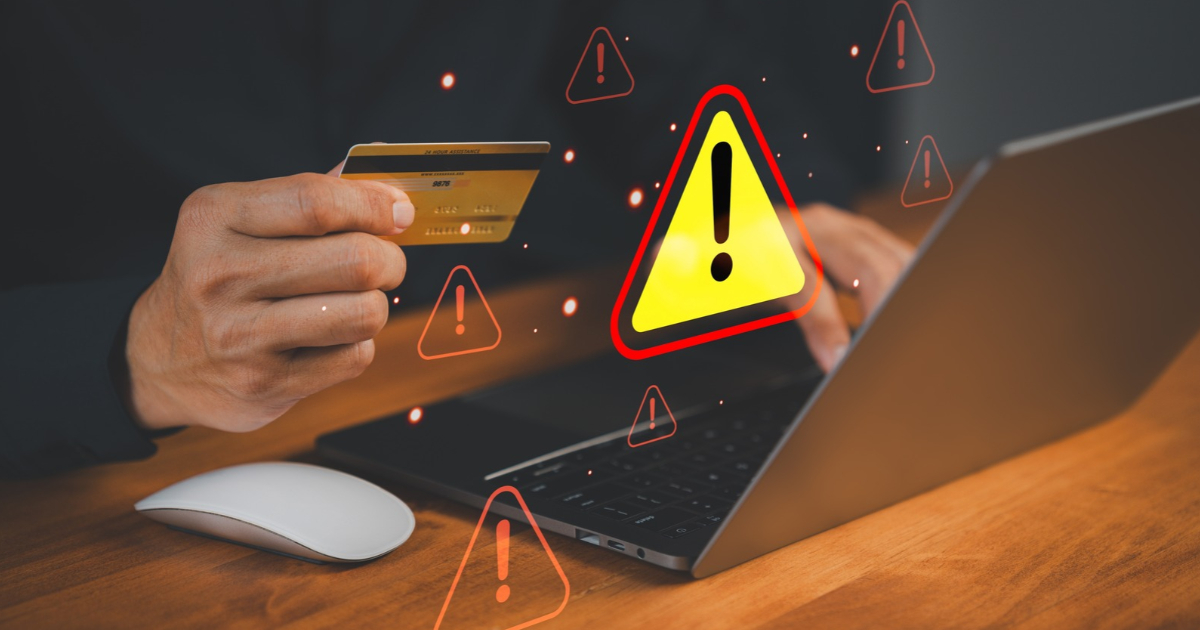
Black Friday and Cyber Monday can be a good opportunity to buy gifts or something you have been saving for. But busy shopping periods are also an opportunity for scammers.
Safe online shopping starts with checking the retailer, protecting your payment details and verifying unexpected requests. Whether you are browsing Black Friday deals in Malta or ordering from overseas, a few simple habits can help you shop with confidence and keep your money safe.
Key takeaways
- Check the seller and website before paying.
- Pause before responding to urgent messages or unexpected payment requests.
- Protect your accounts and report suspicious activity promptly.
Recognise common shopping scams
Scammers may create fake websites that look like shops you know and trust. They advertise a bargain that never arrives or send a message claiming that a parcel needs a small delivery payment. Phishing (Scam) messages impersonate trusted organisations to trick you into sharing information or open harmful links. Stolen information can lead to identity theft, unauthorised payments or access to your accounts.
Pressure to act immediately, unusually generous discounts (too good to be true) and unexpected prizes deserve a closer look. These tactics can catch experienced shoppers too, especially when they are busy comparing offers. Don’t let a countdown or ‘limited-time offer’ rush you and stop you from checking who you are paying.
Read our guide to the warning signs of online scams to learn what to look for.
Check the website before you buy
Visit retailers through a website address you know or their official app. Check unfamiliar sellers’ contact details, returns policies and independent reviews.
Look carefully for misspellings in web addresses. HTTPS means the connection is encrypted, but a padlock does not prove that a retailer is genuine. Fraudulent sites can use HTTPS too.
Avoid suspicious pop-ups, shortened links and unknown attachments. On a computer, hover over a link to preview its destination. If a QR code seems suspicious, leave it and visit the official website directly.
Protect your payment and personal details
Pay through a verified retailer’s secure checkout using a card or reputable payment service. Be cautious if a seller asks you to leave the platform or transfer money to an unfamiliar account. Keep your order confirmation so you can check delivery details and payment amounts.
Use strong, unique passwords and enable two-factor authentication where available. This adds another check when you sign in, making it harder to access your account with a stolen password. Avoid saving card details and share only the information needed for your purchase.
Choose a trusted home connection or mobile data instead of public Wi-Fi when paying. Keep your device, browser and security software updated, and use spam filters. Check your bank account activity and card statements regularly for transactions you do not recognise. If you see a payment you do not recognise or did not authorise, act immediately. Turn off automatic file sharing and review app permissions, including location access, allowing only what you need. Explore more tips for safer online shopping.
Verify requests through APS Bank
APS Bank will never ask you to share passwords, your full card number, myAPS PINs or codes, CVV, or security answers by phone, email, SMS, social media or letter.
If a request seems unusual, contact us directly through the myAPS Message Hub oron (+356) 2122 6644. Do not send banking details through ordinary email or social media. For online banking, visit our website or open the myAPS app yourself.
Never give an unexpected caller access to your device or move money because they claim your account is at risk. Verify the request first.
FAQs
How can I check a Black Friday deal is genuine?
Find the offer on the retailer’s official website, compare prices and check independent reviews. An advert or familiar logo alone is not proof.
Does HTTPS mean a shop is safe?
HTTPS protects the connection to a website. You still need to check the seller and the web address before entering personal or payment information.
What should I do about an unexpected delivery fee message?
Avoid its link. Check your order using the retailer’s or courier’s official website or app, open the official website or app yourself. Even when you are expecting a parcel, check the request against your original order details.
Is it safe to share a one-time banking code?
Never share myAPS codes with another person, even someone claiming to represent APS Bank. Do not approve a payment you did not initiate.
What if I have shared details or spot an unfamiliar payment?
Call APS Bank immediately on (+356) 2122 6644. Explain what happened so the Bank can advise on protecting your account.
Enjoy the sales at your own pace. Visit APS Bank’s protect page for more ways to protect yourself and your bank details.
Approved and issued by APS Bank plc, APS Centre, Tower Street, B’Kara BKR 4012. APS Bank plc is regulated by the Malta Financial Services Authority as a Credit Institution under the Banking Act 1994 and to carry out Investment Services activities under the Investment Services Act 1994. The Bank is also registered as a Tied Insurance intermediary under the Insurance Distribution Act 2018.