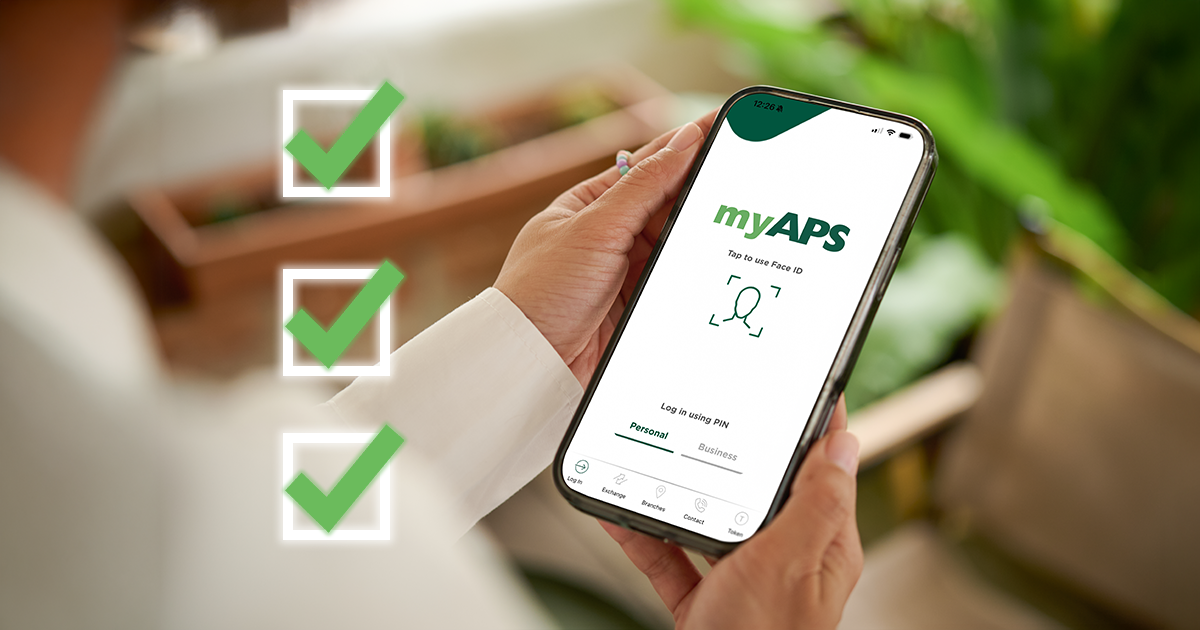
The myAPS app is APS Bank’s internet and mobile banking service in Malta. It helps you manage your accounts from one simple screen, anytime you need it.
This guide covers three features you can use straight away:
- Create payment templates for monthly expenses
- Send travel information before a trip
- Change your debit card limit when you need more (or less) flexibility
Want to get started with myAPS? Visit this page to learn more.
1) Create payment templates for monthly expenses
What payment templates do
Payment templates let you save the details of a payment you make often. This is useful for monthly expenses like bills, rent, subscriptions, or regular supplier payments.
Why this helps
- Faster payments each month
- Less retyping
- Fewer errors when entering details
How to create a payment template in the myAPS app
- Log in to myAPS
- Go to Payments from the burger menu and choose the payment/transfer option you need.
- Enter the necessary information for the payment.
- Tick ‘Save as template’ (you will find it below the payment details).
- Enter a template name so you can recognise it later.
How to use payment templates in the myAPS app
- Log in to myAPS.
- Go to Payments from the burger menu and choose the transfer option you need.
- Tap on the ‘Stored templates’ field and select the correct template.
- Payment details will be automatically populated.
Tip
Use short, clear names like “Rent”, “Supplier”, or “School fees”.
2) Send travel information
What this feature does
If you are travelling, you can send your travel information through myAPS. This helps us support you when your account activity changes while you are abroad.
How to send travel information in the myAPS app
- Log in to myAPS.
- Open the menu.
- Select the Message Hub icon (top left corner).
- Click the ‘Send travel information’ button.
- Enter your travel details.
- Submit your travel information.
Tip
Send your travel information as soon as your dates are confirmed. If your plans change, submit updated travel details.
3) Change your debit card limit
What this feature does
You can change your debit card limits in myAPS. This can help when you:
- need a higher limit for a planned purchase.
- want a lower limit for extra control.
This feature applies to APS Debit Cards only.
How to change your debit card limit in the myAPS app
- Log in to myAPS.
- Open the menu.
- Select the ‘Debit cards’ drop-down.
- Select ‘Change card limits’.
- Enter the necessary information to update your limit.
A simple security reminder
Use safe habits every time you use the myAPS app:
- Keep your login details private.
- Never share passwords or one-time codes.
- Use a screen lock on your phone.
- Only log in on devices and networks you trust.
For more security tips, visit apsbank.com.mt/protect
Key takeaways
- Save time on repeat payments by creating payment templates.
- Share your travel dates by sending travel information.
- Adjust spending control by changing your debit card limits in the myAPS app.
Getting started with myAPS
If you are new to APS Bank, the quickest way to start using the myAPS app is to open an APS account and register for internet and mobile banking. Once you are set up, you can log in and start using features like payment templates, travel information, and debit card limit changes straight away. Fill out the form below and get started.
FAQs
What is the myAPS app?
The myAPS app is APS Bank’s internet and mobile banking service. It helps you manage your APS accounts online.
Who can use the myAPS app?
It is designed for both personal and business customers, depending on the services available on your profile.
Do payment templates send payments automatically?
No. A template saves the details, but you still choose when to make each payment.
Where do I find ‘Send travel information’?
Open the menu, go to the Message Hub, then select ‘Send travel information’.
Can I lower my debit card limit for extra control?
Yes – changing limits is useful both for increasing and lowering your spending flexibility.
Is myAPS secure?
myAPS uses security measures to help protect your privacy. For best protection, visit apsbank.com.mt/protect
Approved and issued by APS Bank plc, APS Centre, Tower Street, B’Kara BKR 4012. APS Bank plc is regulated by the Malta Financial Services Authority as a Credit Institution under the Banking Act 1994 and to carry out Investment Services activities under the Investment Services Act 1994. The Bank is also registered as a Tied Insurance Intermediary under the Insurance Distribution Act 2018. The Bank is a participant in the Depositor Compensation Scheme established under the laws of Malta. Terms and conditions apply and are available on apsbank.com.mt/terms-and-conditions.